
Adding a connection allows you to stay informed about the people who matter most.
Follow these steps:
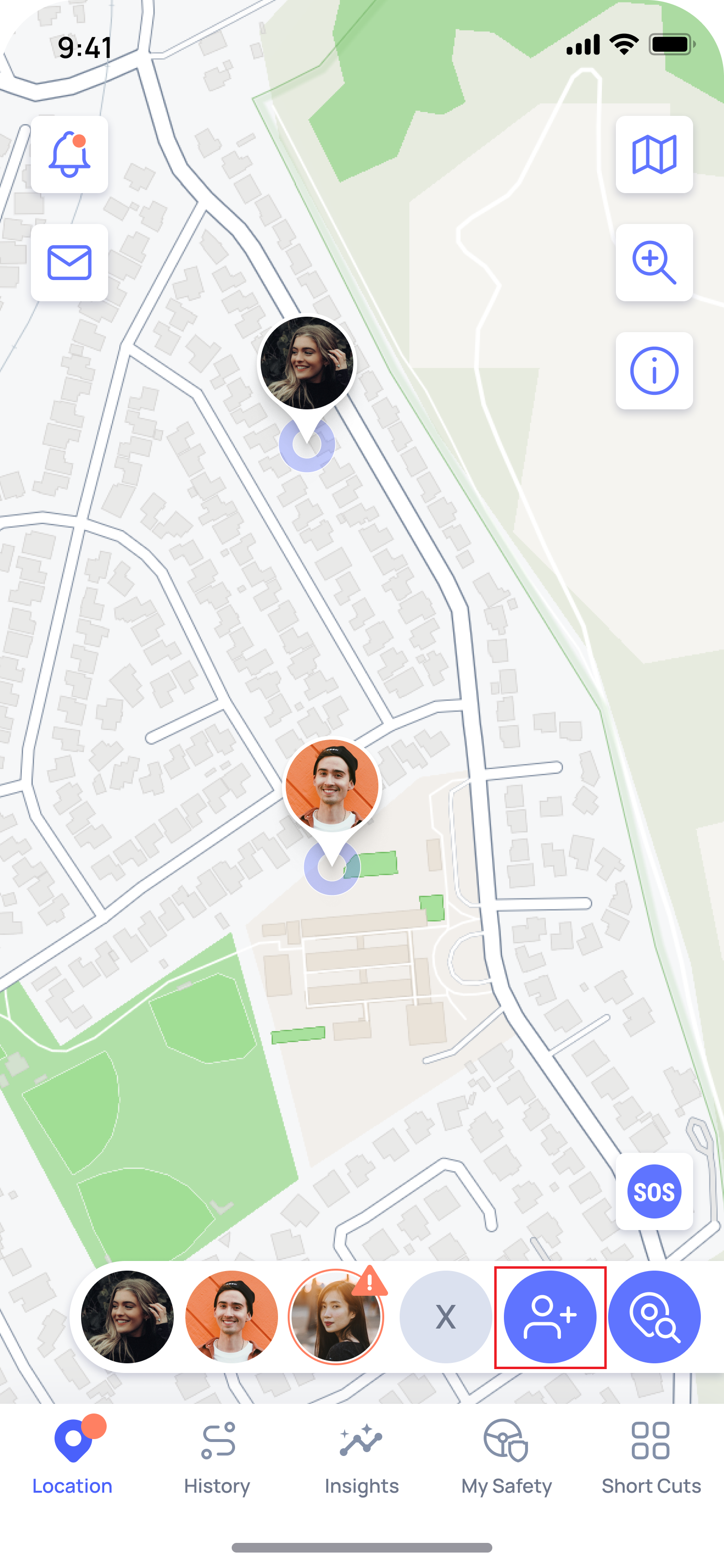
- Open the OtoZen app, tap on the " Add Connection ” icon (Bottom Right corner)
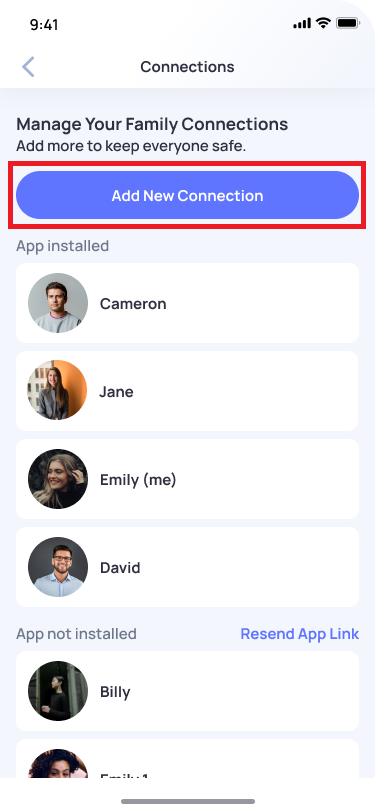
- Tap Add New Connection
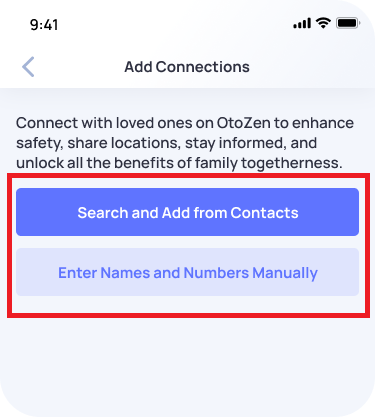
- Choose how you’d like to add the person:
- Search from Contacts – Select someone from your phone’s contact list
- Enter Manually – Add their name and phone number yourself
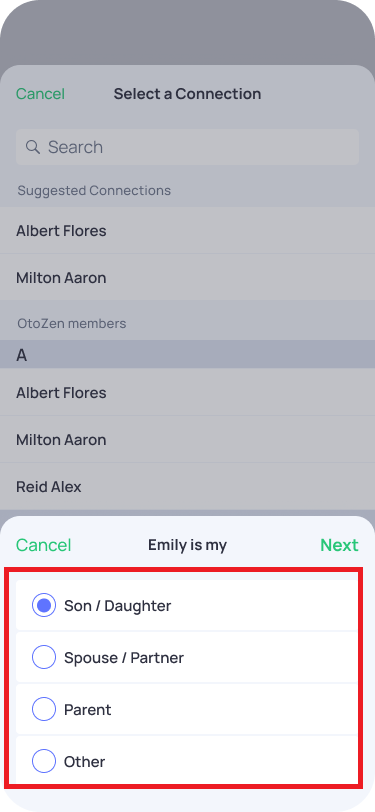
- Select the persona and choose your relationship (e.g., Son/Daughter, Spouse/Partner, Parent, or Other)
- Tap Next to finish adding the connection
💡 Tip:
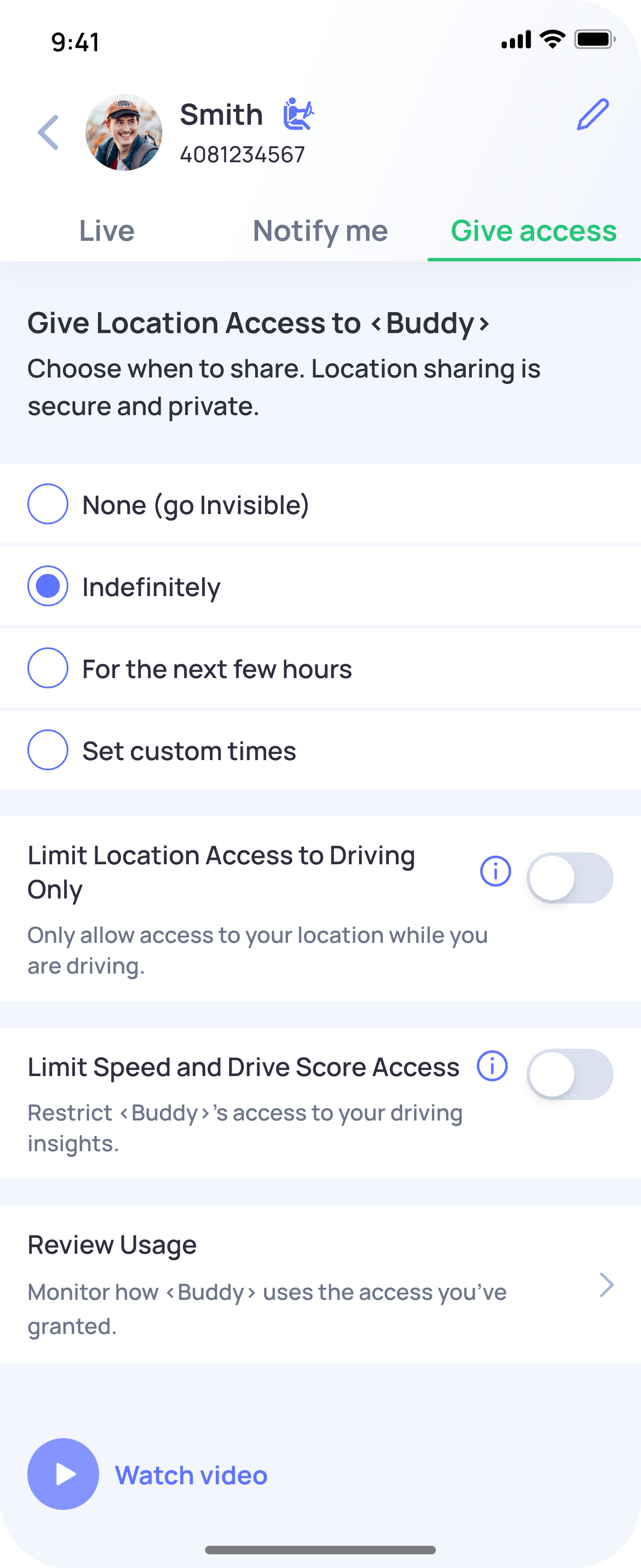
To start receiving updates, your connection needs to grant you access:
- Ask them to open the OtoZen app on their phone
- Tap on your profile
- Select Give Access
- Choose how long they want to share their location (e.g., indefinitely, for a few hours, or a custom duration)