
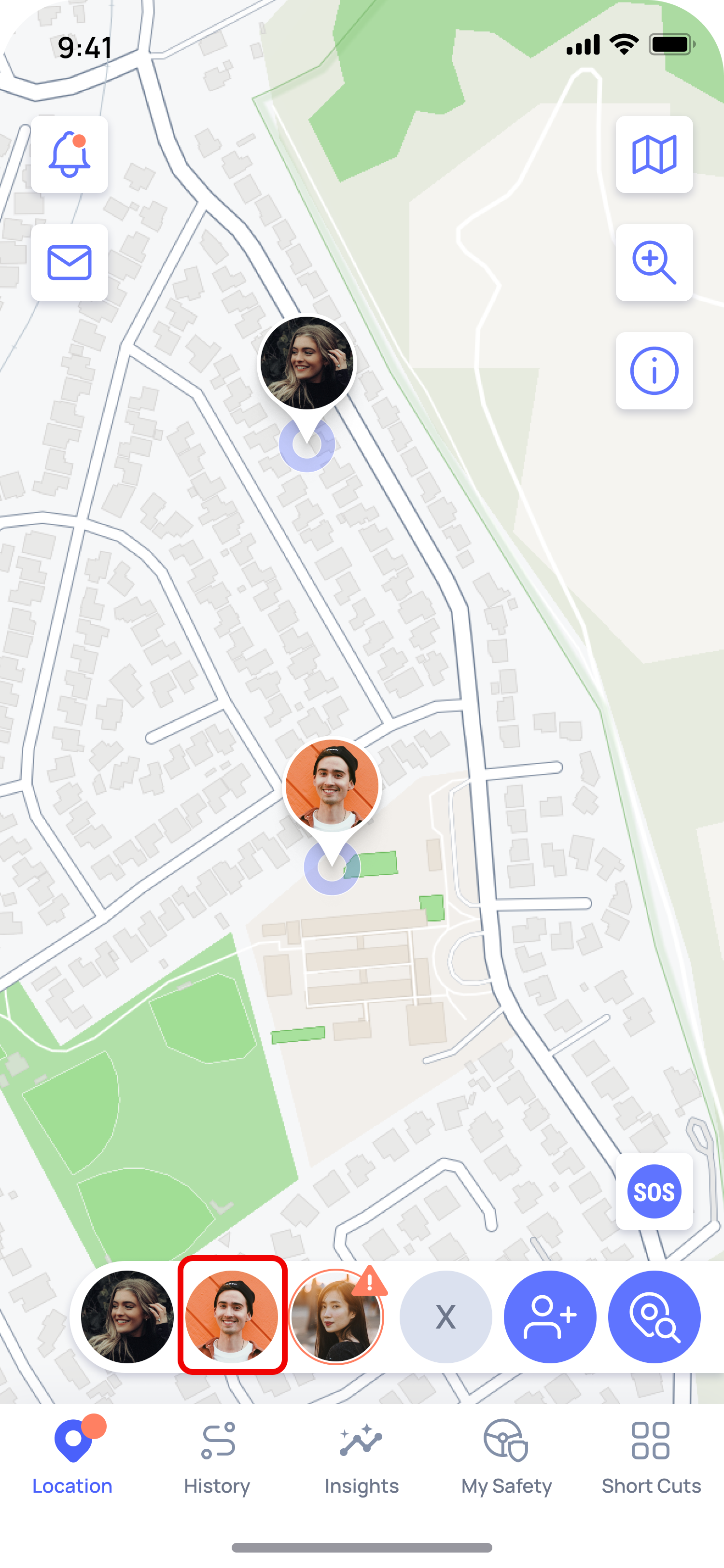
1. Open OtoZen, tap on the connection profile pin on the map, or select it from your connections list.
2. Tap their profile to open their detail screen.
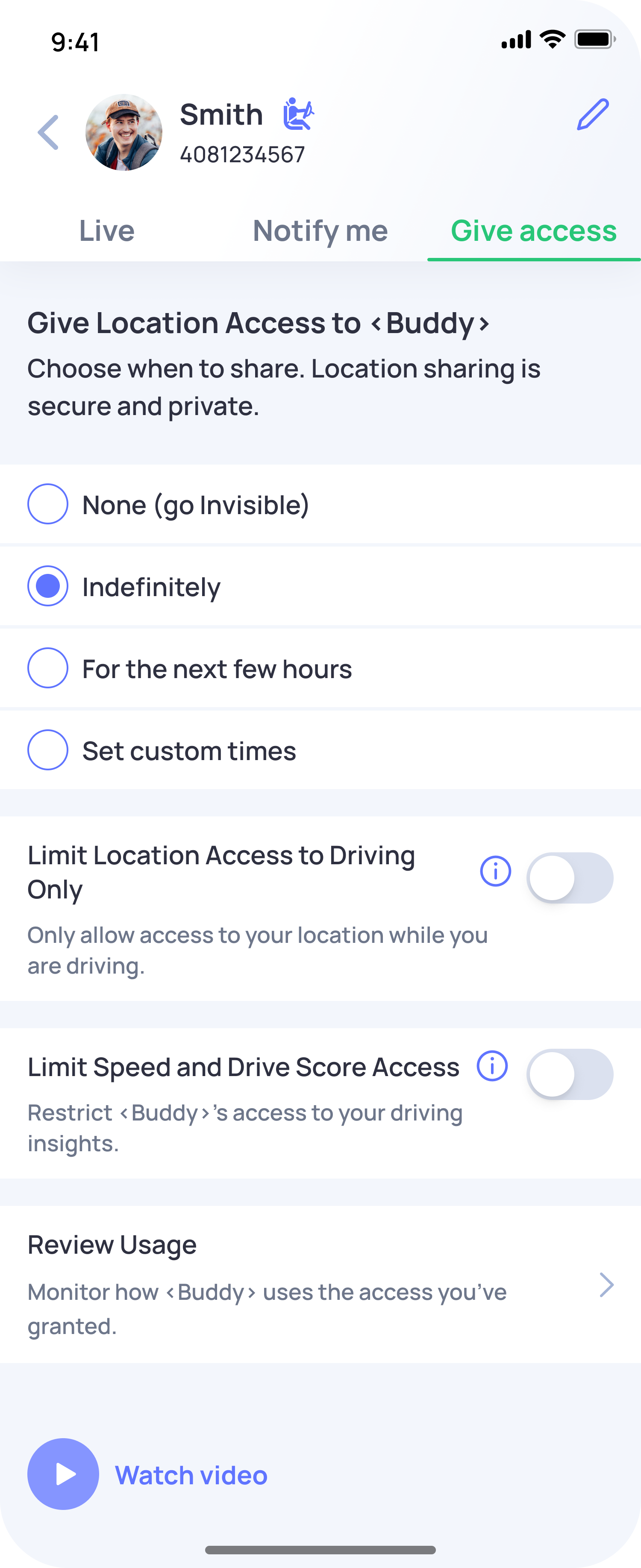
3. Tap the Give Access tab
4. Choose how long you want to share, then tap Save.
How do I manage location sharing with a connection?
Last Updated: 4d