Your spouse can also monitor your child’s driving activity in the OtoZen app by setting up their own connection with your child.
Please follow these steps:
- Open the OtoZen app and go to the Location section.
- If your spouse is not already connected, tap Add Connection and add them.
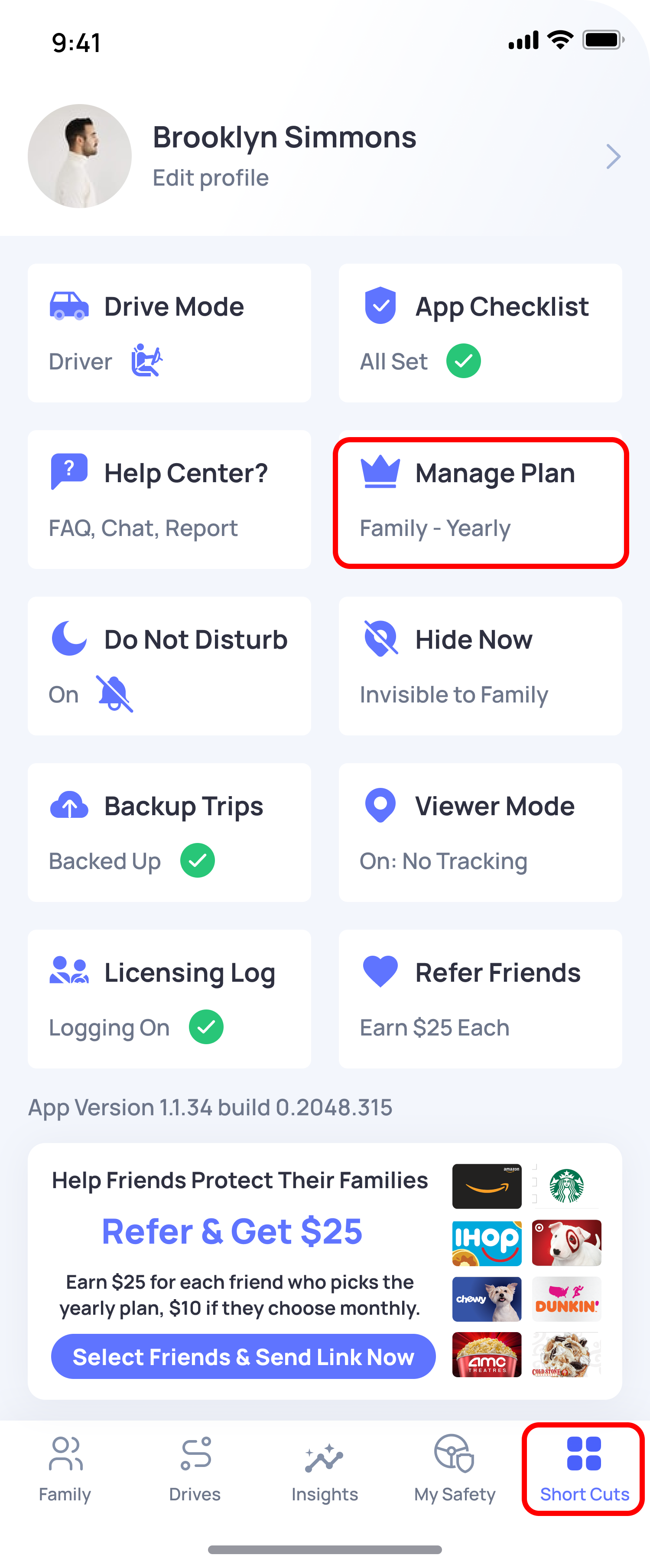
- Open the Shortcuts menu and select Manage Your Plan.
- Make sure you, your spouse, and your child are all included in the plan.
- Ask your spouse to download the OtoZen app on their phone.
- Your spouse should go to the Location section in their app and add your child as a connection.
Note: OtoZen’s sharing and monitoring features work through individual connections. This means each parent needs to set up their own connection with the child. Group sharing is not automatic.