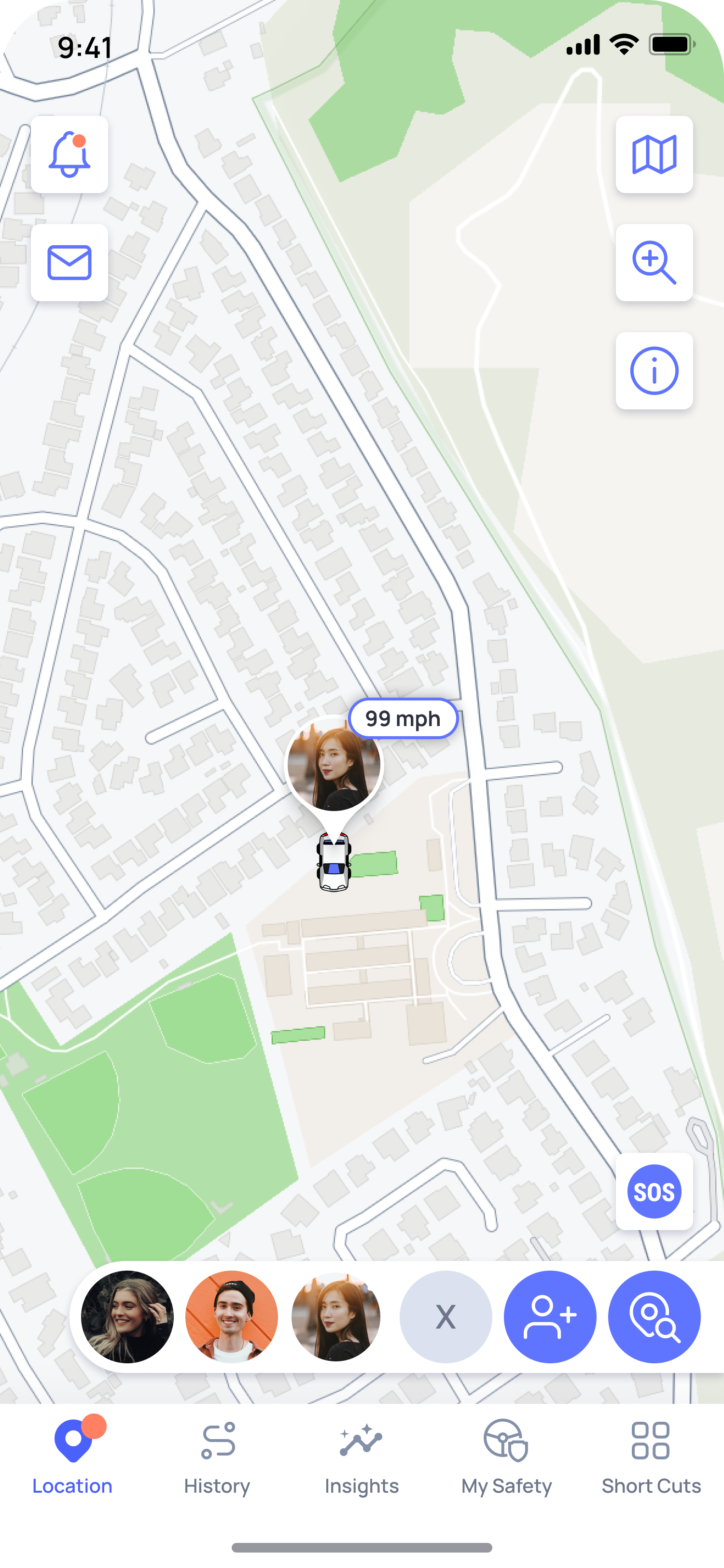
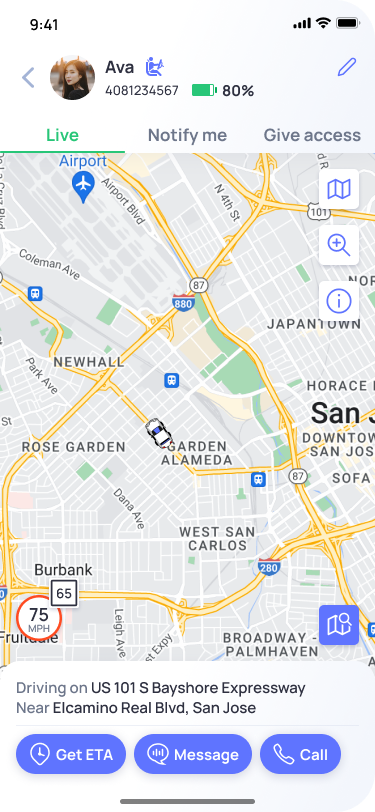
When a family member is driving, OtoZen shows their live speed on the location screen.
If they are driving above the road’s speed limit, the speed indicator appears in red to highlight overspeeding.
To view more trip and speed details:
- Open the Family Map or the bottom list view
- Tap on your family member’s profile
- Their Live Screen will open with live trip and speed information