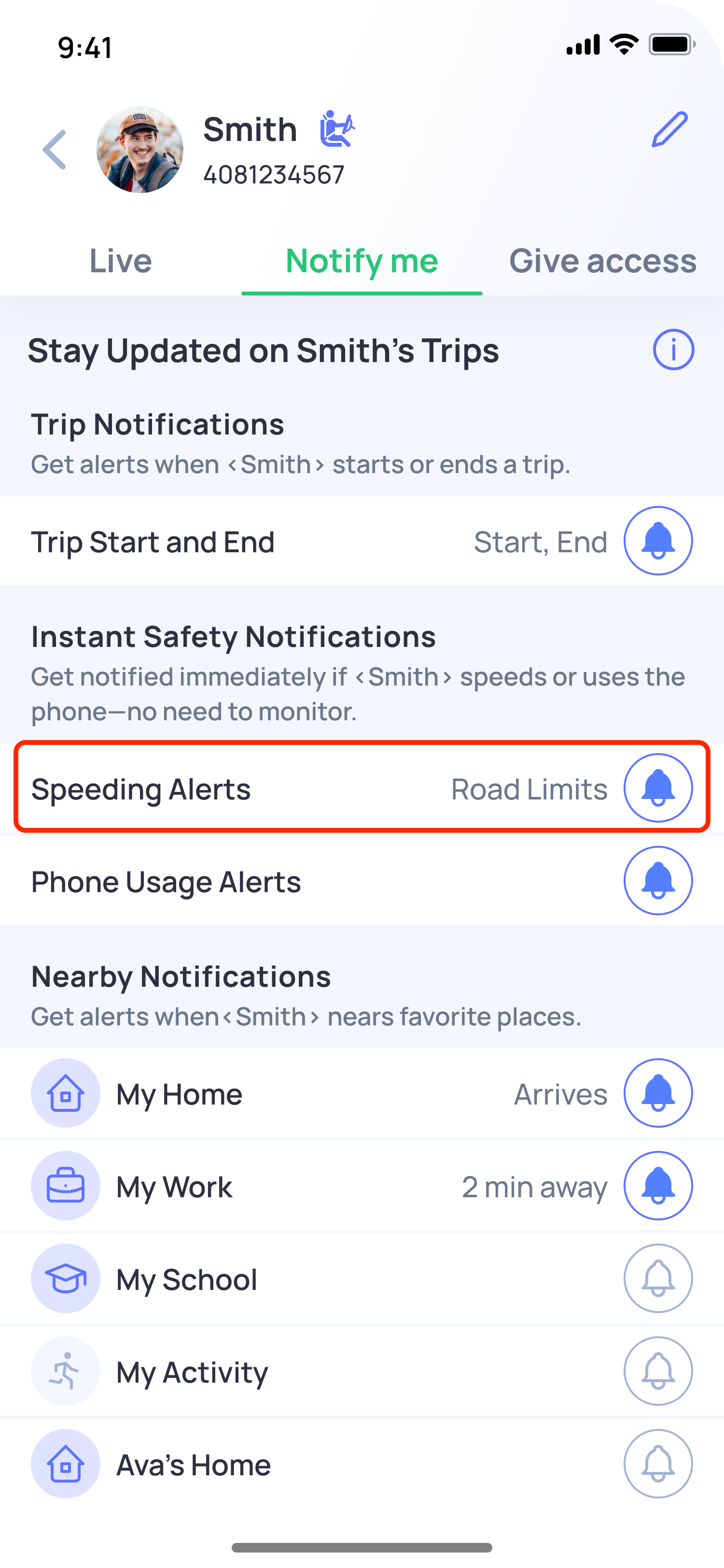
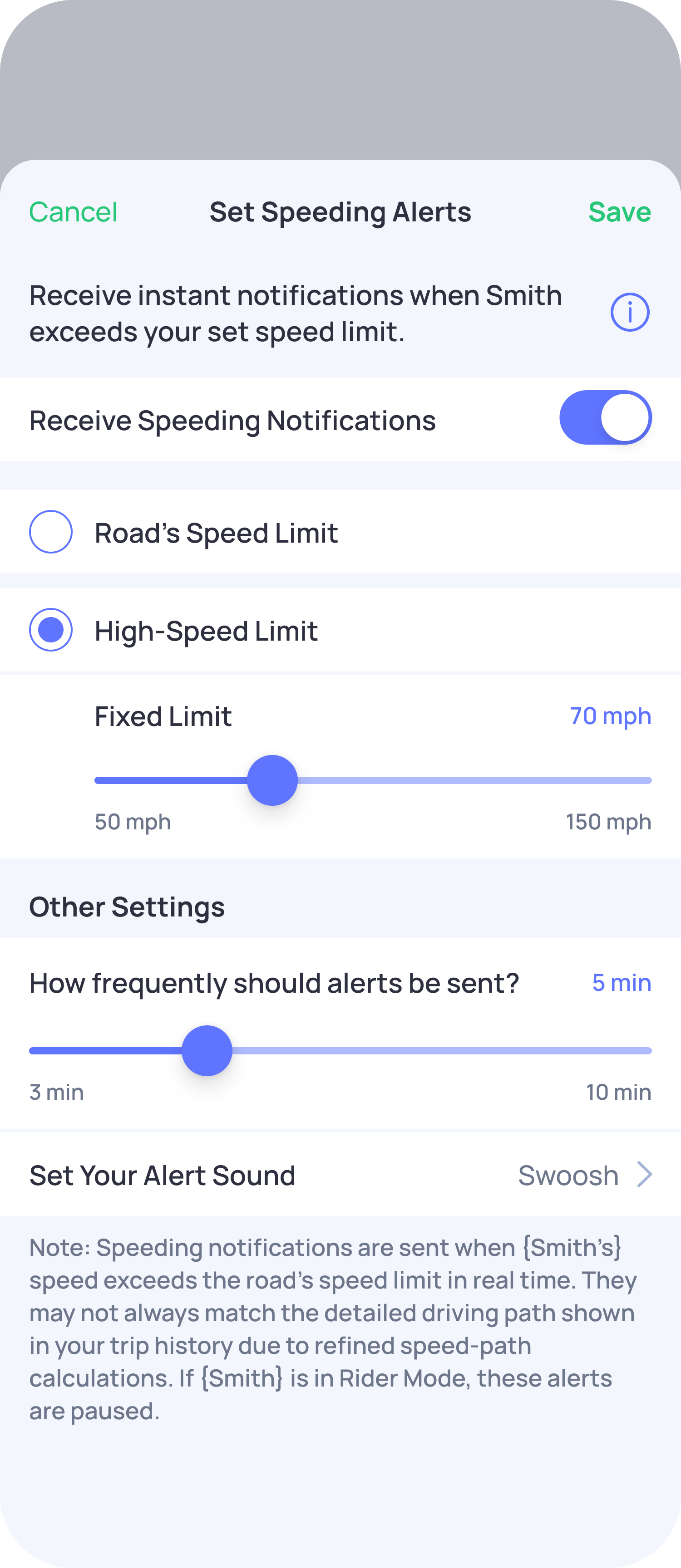
Yes, you have the option to turn off Speeding Alerts, real-time speed notifications if you do not wish to receive them. You can easily manage this setting in the app.
Steps to disable speed alerts:
- Open the OtoZen app.
- Click on the family member's profile pin from the Location Map or the bottom view.
- Click on the Notify Me tab.
- Select Speeding Alerts and turn OFF the toggle button.
- Once done, save the settings.
By following these steps, you can stop receiving real-time speed alerts whenever you choose.