
In the OtoZen app, you may see different icons next to a person’s profile. These icons show their current movement status so you can quickly understand whether they’re stationary, on foot, cycling, or in a vehicle.
🚫 Stationary

This means the person is currently not moving. They may be at home, parked, or staying in one place.
🏃 Walking or Running

This means the person appears to be moving on foot. OtoZen shows this status when it detects movement consistent with walking or running.
🚲 Cycling

This means the person appears to be riding a bicycle. OtoZen shows this status when it detects movement consistent with cycling.
🚗 Driving or In a Car
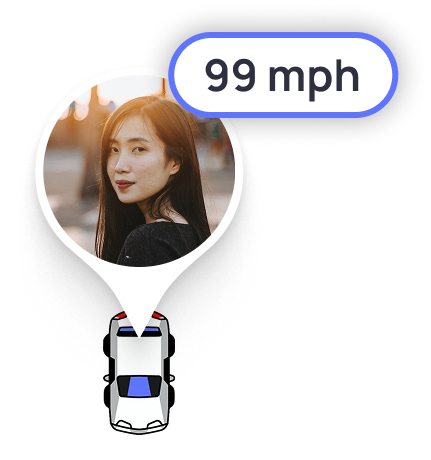
This means the person is traveling in a vehicle. They may be driving or riding as a passenger.
Note: Speed is shown only when the person is traveling in a vehicle or when OtoZen detects a trip in a vehicle.
These movement icons help you quickly understand your family’s current activity and stay aware of whether they’re resting, walking, cycling, or on the road.