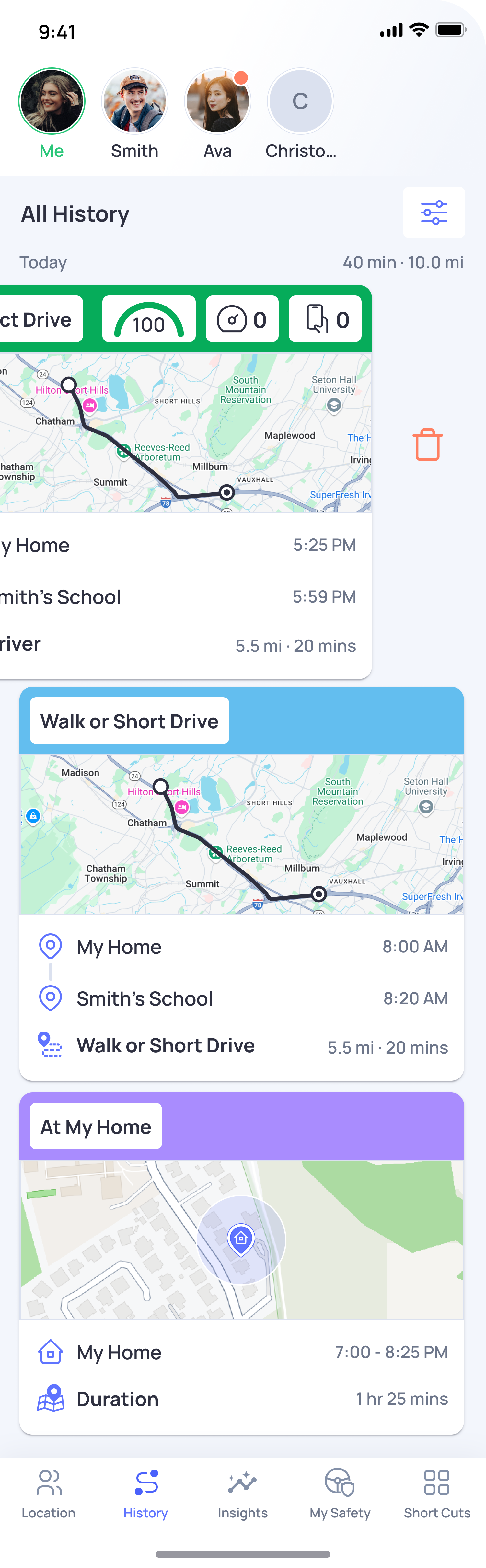
You can delete any History item, including a short trip, drive, or stationary entry, using the same steps:
- Open the OtoZen app.
- Go to the History section.
- Find the entry you want to delete.
- Swipe left on that item.
- Tap Delete and confirm.
Note: Once deleted, that History item may not be restored.