
You can temporarily stop sharing your location with your Connections by using the privacy setting in the OtoZen app.
Please follow these steps:
- Open the OtoZen app.
- From the bottom list view, tap on your Profile.
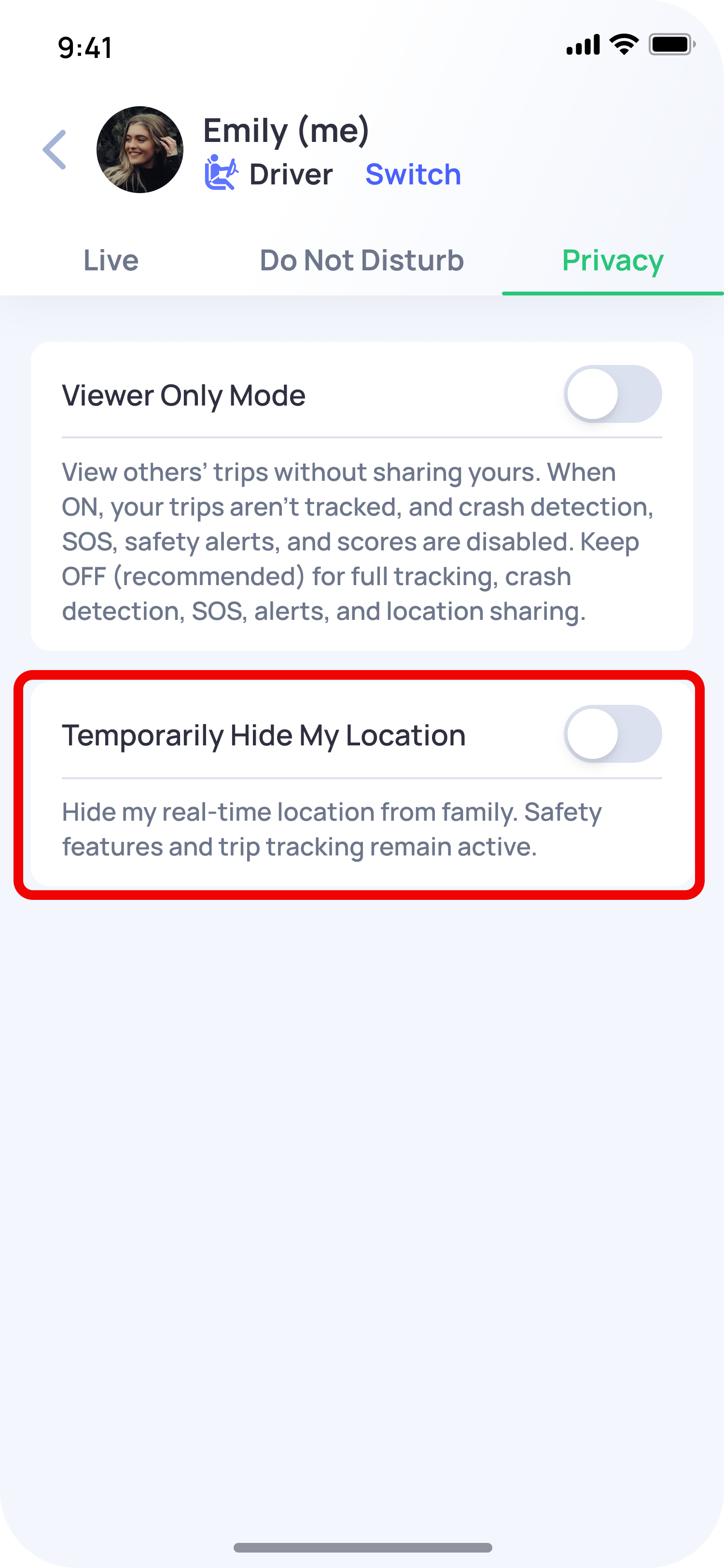
- Tap Privacy.
- Turn on Temporarily Hide My Location.
Once this option is turned on, your location will be hidden from your Connections.
When you want to share your location again, go back to Privacy and turn off Temporarily Hide My Location.
Note: If you are hiding your location only for a short time, remember to turn this option off later so your Connections can see your location again.
Related FAQ: How do I stop a family member from seeing my location in OtoZen?