In some cases, OtoZen may not detect a crash or accident if the required crash detection conditions are not met.
Note: Crash Detection and professional emergency dispatch services are premium features and are available only within the United States.
A crash may not be detected if:
- The vehicle was moving below 25 mph before the impact.
- The trip was too short before the accident occurred.
- The vehicle slowed down gradually instead of stopping suddenly.
- The vehicle did not come to a complete stop after impact.
- The phone had poor GPS or cellular network coverage.
- The phone sensors did not record enough crash-related movement.
- OtoZen did not have the required phone permissions.
- Crash Detection was not enabled in the OtoZen app.
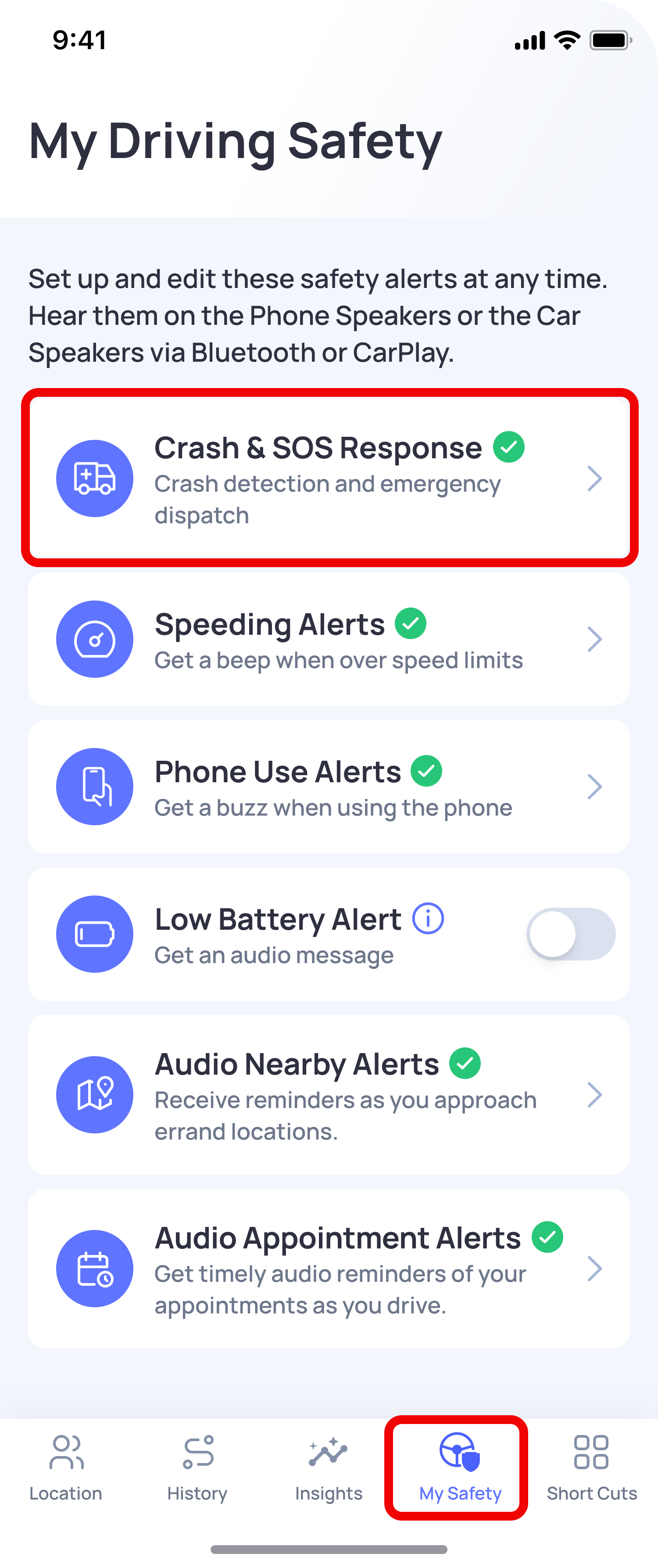
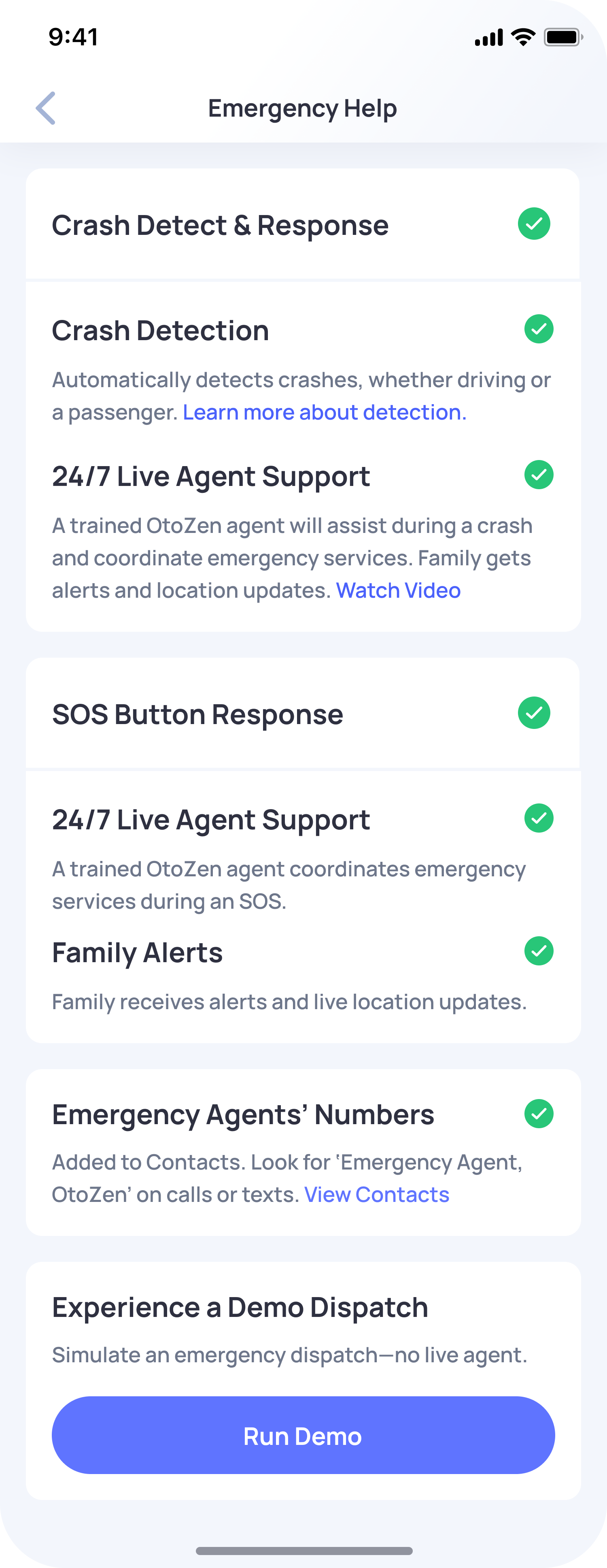
To help Crash Detection work properly, make sure Location Access is set to Always, your phone has a stable cellular connection, and Crash Detection is enabled under:
OtoZen App → My Safety → Emergency Crash Response
To learn more, see: How does OtoZen detect a crash or accident?
Note: Even when all conditions are met, there may be rare cases where a crash is not detected due to limited GPS availability, temporary network issues, phone sensor issues, or algorithm errors.